Ady for Surveys: build a post-purchase survey in one sentence
Ady is the AI helper inside Customer Luv Surveys. Tell Ady who you want to hear from, and it writes the questions from what your store sells, checks the survey is showing at checkout, and reads the answers back to you. Here’s how to use it, with prompts you can paste.
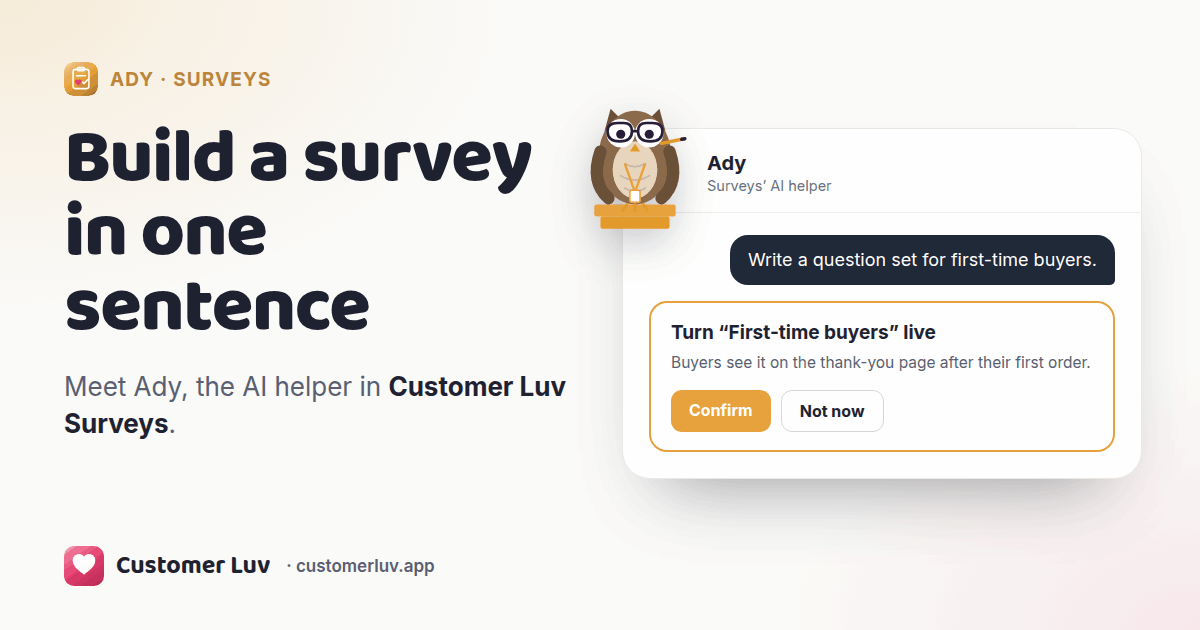
Open Customer Luv Surveys and you land on Ady. Type what you want, for example “Write a question set for first-time buyers.” Ady writes a short set from what your store sells and saves it switched off. Read it, change anything you like, then click Confirm when you want buyers to see it.
Start here: let Ady read your store
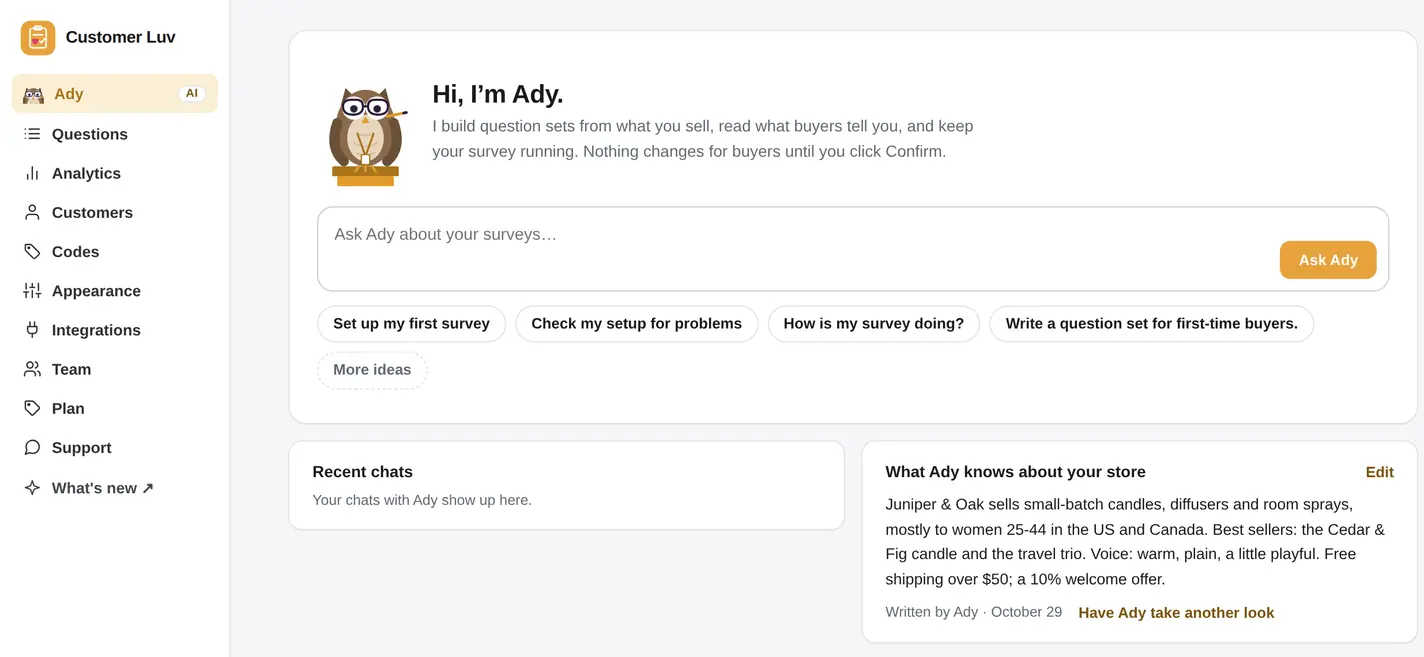
Ady is the first page of the app, with a box to ask in and a few ideas to start from.
The first time you ask Ady to write something, it looks over your store and writes a short note for itself: what you sell, who buys it, how your store talks, and anything to steer clear of. You’ll find it on Ady’s page under What Ady knows about your store.
Read it once. If something is off, click Edit and fix it, or ask Ady to take another look. Everything Ady writes for your buyers uses that note, so a candle shop gets questions about scents and a skincare brand gets questions about skin types.
Build a survey in one sentence
Ask for the survey you want in the words you’d use with a colleague. Ady picks the questions, writes answer options from your products and your store, and saves it as a new question set that’s switched off.
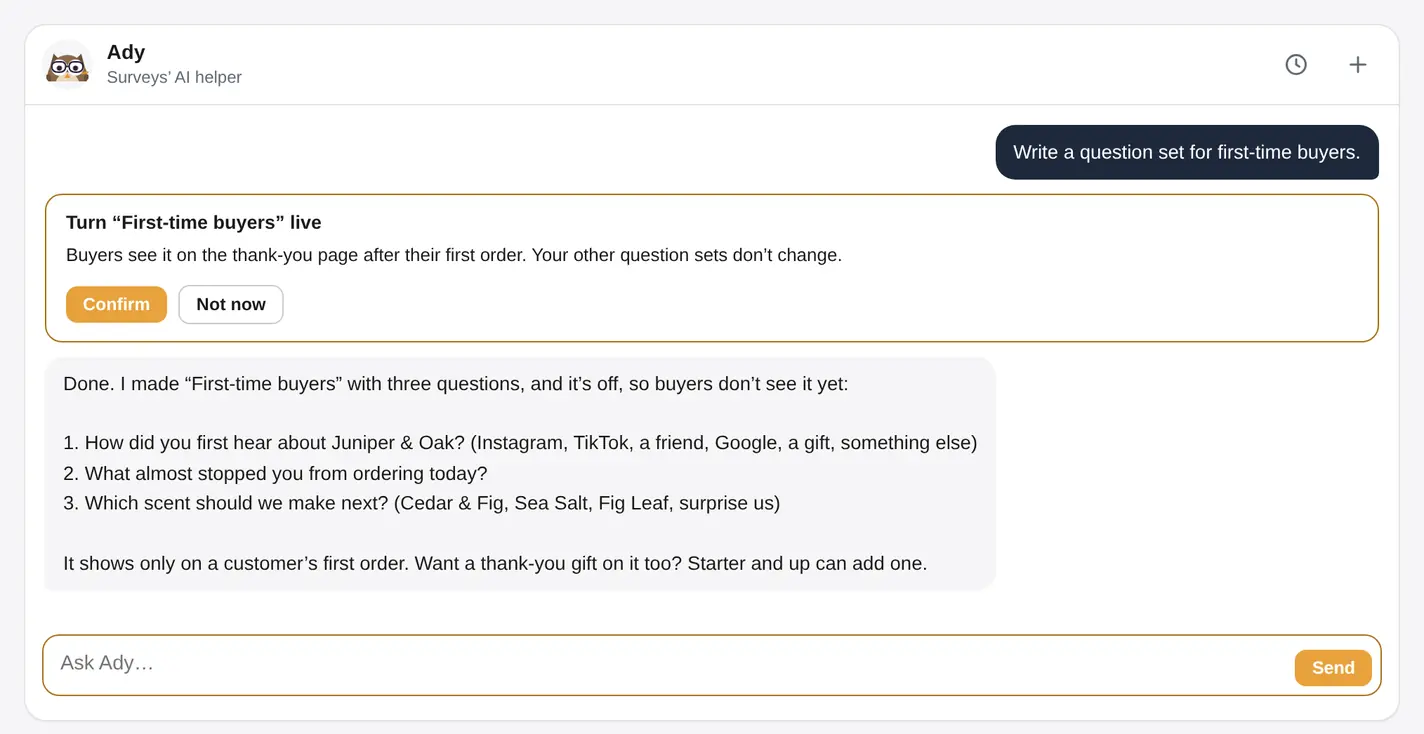
Then keep talking in the same chat. “Make question 2 shorter.” “Swap question 3 for one about gifting.” “Add a thank-you gift at the end.” Each change shows up in the set, and you can open it in the editor at any time.
When it reads right, click Confirm on the card and the set goes live on your Thank you page.
Prompts to paste
Copy any of these into Ady’s box. Each one works on its own; swap in your own words.
Read your answers without a spreadsheet
Ask Ady how your survey is doing and you get a short summary: how many buyers answered, the top answers to each question, and what’s changing. Ask a follow-up, like “Is TikTok growing?”, and Ady answers from the same numbers.
Ady works from counts and rates. It never sees your shoppers’ names, emails or what they typed in a written answer. Those stay in the app, on the pages where they’ve always been.
Nothing goes live until you click Confirm
Ady can draft as much as you like. Anything your buyers would see waits for you: when a change is ready, a card appears in the chat that says exactly what will happen, and nothing changes until you click Confirm. Typing “yes” in the chat doesn’t count; only the button does.
What waits for your click
Everything else Ady does right away: drafting, reading your numbers and checking your setup.
Credits on each plan
Ady runs on credits. A quick question uses a few; building a whole set uses more. The ring on Ady’s page shows what you have left.
| Plan | Ady |
|---|---|
| Free | 150 credits to try, once. They last 30 days from Ady’s first answer. |
| A paid plan’s free trial | 1,000 credits |
| Starter and Grow | 1,000 credits a month, topped back up on the 1st |
| Pro | No credit count |
Each app has its own Ady, with its own chats, credits and notes about your store. Prices for each plan are on the pricing page.
Frequently asked questions
What is Ady?
Can Ady change my live survey without asking?
Does Ady see my customers’ answers?
Is my store data used to train AI?
How many credits do I get?
Do I need Claude or ChatGPT to use Ady?
Try Ady on your own store
Install Surveys free. Ady is the first page you’ll see, with 150 credits to try.