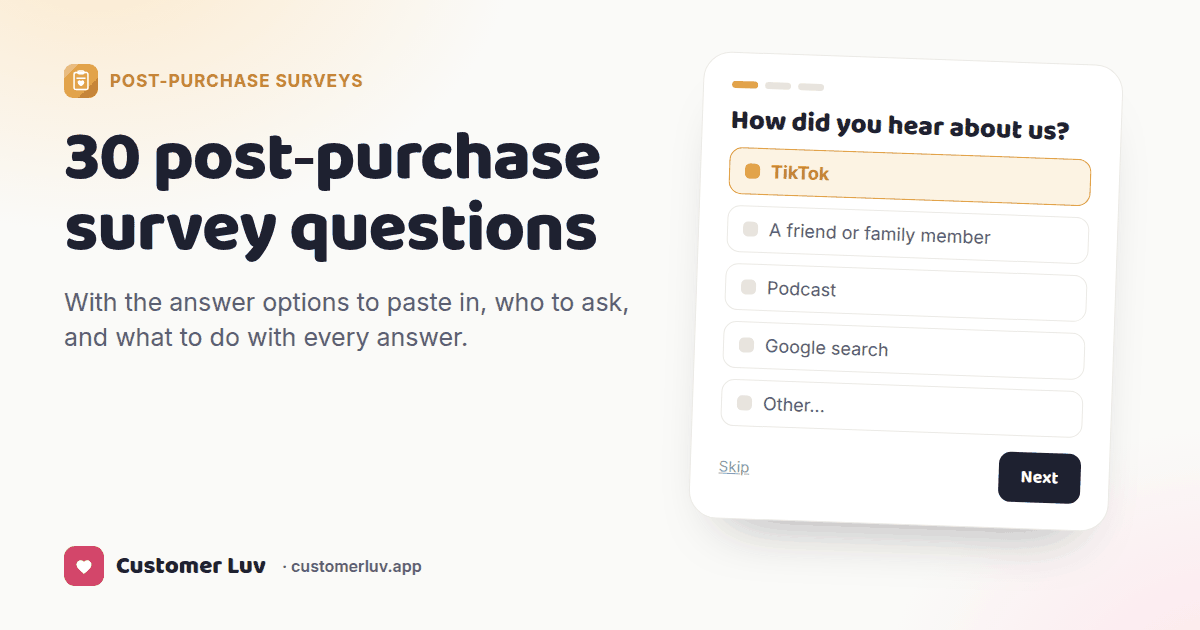
Start with "How did you hear about us?" on the thank-you page, one question at a time, with 6–9 options in random order and an "Other" box. Then add at most two more: "What almost stopped you from buying?" and one question about who the buyer is.
The other 27 below are for targeted sets — shown only to buyers of a certain product, or only to first-time or returning customers.
Try the starter set
Try it — the real starter set
These are the three questions Customer Luv adds when you click "Use the starter template". Answer them the way a buyer would.
Five rules before you pick
How to read each question below
Every question comes with the three things you need to use it.
What almost stopped you from buying?
Open text
Ask: first-time buyers
Use it: fix the product page
1The question — worded the way buyers talk, ready to paste
2The answer options — or "open text" when a list would put words in their mouth
3Ask — who should see it — everyone, first-time buyers, or buyers of one product
4Use it — the decision the answer feeds, so it doesn't die in a spreadsheet
Each of the 30 questions follows this format.
Ask on the thank-you page. It's the screen every buyer sees, seconds after paying, when goodwill is highest. Okendo reports 50%+ response rates on post-checkout surveys. A survey emailed days later has to compete with everything else in the inbox.
One question per screen. A wall of ten questions gets skipped. One at a time gets answered.
Keep most buyers to three questions or fewer. Put everything else in targeted sets.
Randomize choice options and always add "Other". The first option in a fixed list collects extra votes just for being first, and "Other" catches the channel you didn't think to list.
Make every question skippable. A forced answer is a bad answer.
Attribution: where your buyers come from
1.How did you hear about us?
InstagramFacebookTikTokYouTubeGoogle searchPodcastFriend or familyInfluencer or creatorSaw it in a storeOther
Ask: Everyone, as the first question. Randomize the order and keep "Other" last. Use it: Save as a customer property (e.g. survey_source in Klaviyo) and compare it with what your ad platforms claim each month.
2.Where did you first hear about us?
Same options as above
Ask: Returning buyers, or anyone if first touch matters more to you than last. Use it: Shows which channels start the search and which ones close the sale.
3.Which podcast?
Short text
Ask: Only people who answered "Podcast". Use it: Renew or drop each show on the sales it brought in.
4.Which creator or influencer?
Short text, or a list of the creators you pay
Ask: Only people who answered "Influencer", "TikTok" or "Instagram". Use it: Credits creators for buyers who name them, including buyers who never used a code.
5.What did you search for?
Short text
Ask: Only people who answered "Google search". Use it: Shows brand vs non-brand demand and the words buyers use, which become page titles.
6.What made you buy today instead of later?
A discount or codeA friend's recommendationI ran outA review I readAn ad reminded meIt was back in stockOther
Ask: First-time buyers. Use it: Tells you which trigger actually closes sales, so you can time promotions around it.
The decision: what nearly stopped them
7.What almost stopped you from buying?
Open text
Ask: First-time buyers. This is the most useful open question you can ask. Use it: Read them weekly. The top three answers belong on your product page and in your FAQ.
8.Was anything unclear before you bought?
Price or valueIngredients or materialsSize or fitShipping cost or timeReturnsNothing, it was clear
Ask: First-time buyers. Use it: Points at the exact section of the product page to rewrite.
9.Did you compare us with another brand? Which one?
NoYes (short text)
Ask: First-time buyers. Use it: Lists the brands your buyers actually compared you with.
10.How long were you thinking about it before you ordered?
Decided todayUnder a week1–4 weeksOver a month
Ask: First-time buyers. Use it: Sets your retargeting and email-reminder windows to how long people really take.
11.What convinced you in the end?
ReviewsIngredients or specsPriceThe brand's storyPhotos or videosA recommendation
Ask: First-time buyers. Use it: Lead your ads and product pages with whatever wins.
12.Would you have bought without a discount?
YesProbablyNo
Ask: Anyone who used a code. Use it: Measures how dependent sales are on discounts before you run the next one.
Who they are
13.My age range is…
18–2425–3435–4445–5455+
Ask: Everyone, once. Use it: Checks your ad targeting against who actually buys.
14.Who is this order for?
MeMy partnerMy childA giftMy business
Ask: Everyone. Use it: Gift buyers get a different follow-up email than people buying for themselves.
15.Which of these best describes you?
3–5 descriptions you write for your customers
Ask: Everyone, once. Use it: Segments your welcome and post-purchase emails by type of customer.
16.Is this your first time buying something like this?
Yes, first timeI've used similar productsI'm switching from another brand
Ask: First-time buyers. Use it: Beginners get how-to emails; switchers get the "why we're different" story.
17.What other brands do you buy in this category?
Short text
Ask: Returning buyers. Use it: Feeds interest targeting, partnerships and co-marketing ideas.
18.Where do you usually shop for things like this?
Brand websitesAmazonBig-box storesSpecialty shopsPharmacy or grocery
Ask: Everyone. Use it: Shows where else your buyers expect to find you before you open a new channel.
The product
19.What's the #1 result you want from this?
3–5 outcomes, written per product
Ask: Buyers of that product (target the question by product). Use it: Build the first follow-up email around the result they named.
20.How do you plan to use it?
3–5 uses, written per product
Ask: Buyers of that product. Use it: Turns into usage tips and content ideas you know people want.
21.What should we make next?
2–5 ideas you're weighingOther
Ask: Returning buyers. Use it: Cheap product research: count votes before you commit to a run.
22.Which other size, flavor or color did you consider?
Your variants
Ask: Buyers of products with variants. Use it: Shows which variants to bundle, restock first, or promote.
23.How likely are you to recommend us to a friend? (0–10)
0–10 scale
Ask: Returning buyers — first-time buyers haven't used it yet. Use it: 9–10: ask for a review or a referral. 0–6: have someone reach out.
The experience
24.How easy was checkout? (1–5)
1–5 scale
Ask: Everyone, for a few weeks after any checkout change. Use it: A dip after a change tells you what to roll back.
25.Did you find everything you were looking for?
YesNot quite (short text)
Ask: Everyone. Use it: Search and navigation gaps, in the buyer's own words.
26.How do you feel about shipping cost and speed?
GreatFineToo slowToo expensive
Ask: Everyone. Use it: Evidence for or against testing a free-shipping threshold.
What happens next
27.When do you think you'll run out?
2 weeks1 month2 months3+ months
Ask: Buyers of consumables. Use it: Times the reorder reminder to each customer instead of a guess.
28.Would you like this on a subscription?
YesMaybe laterNo
Ask: Buyers of consumables. Use it: Sends the subscription offer only to the people who said yes or maybe.
29.Is there a date we should know about?
Date picker
Ask: Targeted: a due date for prenatal buyers, an event date for gift buyers. Use it: Starts a date-based email flow at exactly the right time.
30.What would make you order again?
Open text
Ask: First-time buyers. Use it: Tells you what your retention offer should be.
Ask any of these in about five minutes
Pick questions, target them by product or first-time vs returning buyers, and every answer lands in Klaviyo, GA4 and the customer's Shopify record. Free plan, 30-day trial on paid plans.
Klaviyo: save each answer as a profile property, then build segments ("source = Podcast", "plans to run out in 1 month") and flows that use them. (How to set it up →)
GA4: send the stated source next to your click data to see which channels your analytics under-credits.
Shopify: tag the customer so every other app and Shopify Flow can act on the answer.
Once a month: look at the attribution split and read the "what almost stopped you" answers. It takes about half an hour.
Frequently asked questions
What is the best post-purchase survey question?
"How did you hear about us?" It's the one answer that changes where you spend money, because it catches channels your analytics can't see, like podcasts, word of mouth and a friend's recommendation. Ask it first, with randomized options and an "Other" box.
How many questions should a post-purchase survey have?
One to three for most buyers. Lead with attribution, add one question about the decision ("What almost stopped you?") and one about the buyer. Every question after that should be targeted — shown only to buyers of a certain product, or only to returning customers — so each person still answers just a few.
Where should I put a post-purchase survey on Shopify?
On the thank-you page (order confirmation), with the order status page as a second chance for anyone who skipped. It's the one screen every buyer sees, seconds after paying. Email surveys sent days later get far fewer answers and measure memory rather than the moment.
Should I offer a reward for answering?
It helps, as long as it comes after the answers and doesn't change them. A small gift or a discount on the next order, shown once the survey is done, thanks people without biasing what they say — and brings some of them back for a second order.
Can I show different questions to different customers?
Yes, and you should. Ask first-time buyers about discovery and hesitation, ask returning buyers about repurchase and NPS, and show product questions only to people who bought that product. In Customer Luv that's a separate question set per product or per customer type.
What should I do with the answers?
Put them where you already make decisions. Save each answer to the customer's Klaviyo profile so you can segment on it, send it to GA4 next to your click data, and tag the customer in Shopify. Then review the attribution split and the "what almost stopped you" answers once a month.
Start with the three-question set
It's built into the app and fits the free plan. Swap in any question from this list when you're ready.