Ady for Luv Tracking: find the orders that need you before customers ask
Ady is the AI helper inside Luv Tracking. Ask about any order, or ask which parcels are stuck, and get a plain answer with what to do next. Here’s how to use it, with prompts you can paste.
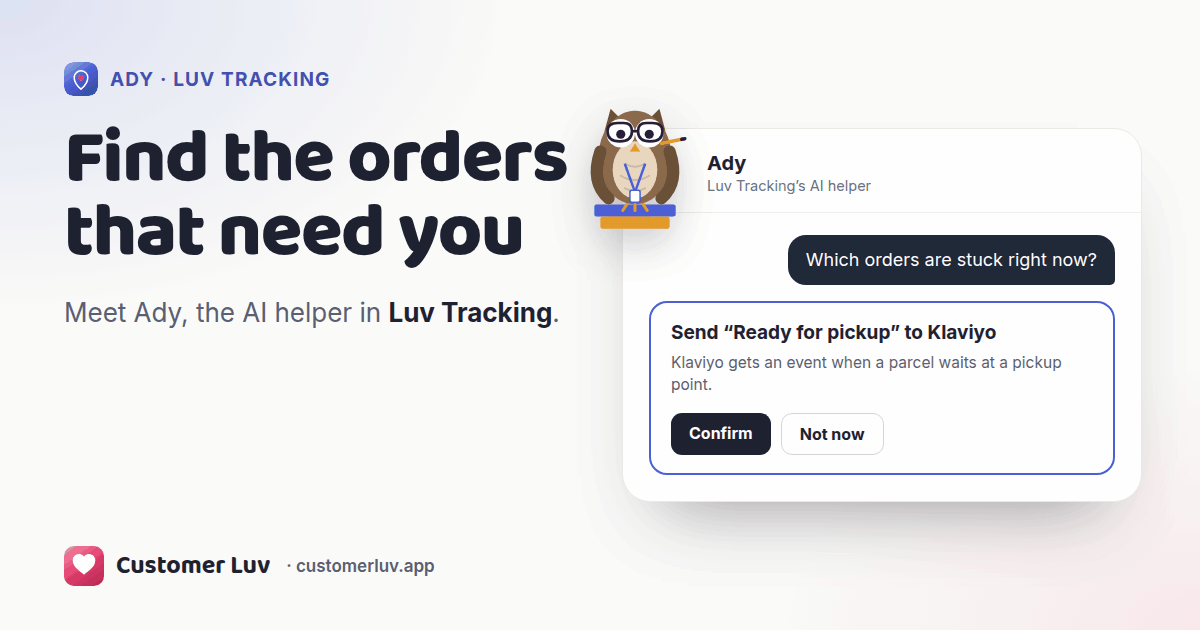
Open Luv Tracking and you land on Ady. Ask “Which orders are stuck right now?” and Ady lists the parcels that need you, each with the carrier’s last scan and what to do. Ask “Where is order #1001?” for any single order.
Ask about any order
Ady is the first page of the app. Type an order number the way you’d say it.
“Where is order #1001?” gets you where the parcel is, the carrier’s last scan and when it should arrive, in a couple of lines. That’s usually all you need to answer a customer, without opening the carrier’s site.
Find the parcels that need you
Most shipments look after themselves. Ady looks through yours and pulls out the ones that need a person: no scan for days, a failed delivery attempt, a parcel waiting at a pickup point, or one on its way back to you. For each, Ady says what to do next, whether that’s waiting a day, chasing the carrier, filing a claim or letting the customer know.
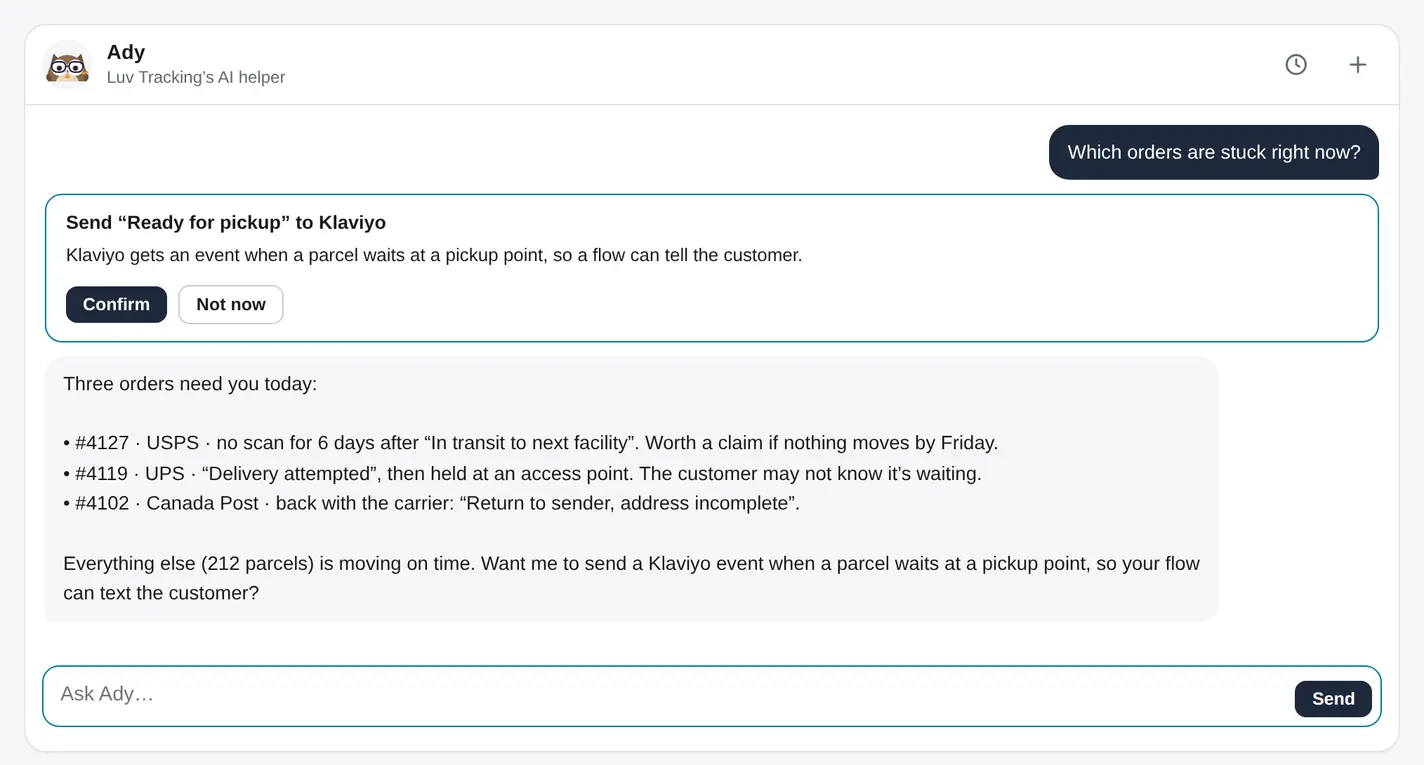
Ask first thing in the morning and you can reach a customer before they write to you.
Compare your carriers
Ask “Which carrier has the most delays this month?” and Ady compares your carriers on delays and delivery problems, from your own shipments, not national averages. Follow up with “How many orders had a delivery problem this month?” for the total.
Set up shipping events and delays
Luv Tracking can send an event to Klaviyo when a carrier scans a parcel, so your flows can email or text customers at the right moment. Ask “Which shipping events should I send to Klaviyo?” and Ady suggests the ones that matter for your store, then sets them up once you click Confirm.
Ask “When does a shipment count as delayed?” and Ady explains your current setting, and can change it if you’d like delays flagged sooner or later.
Prompts to paste
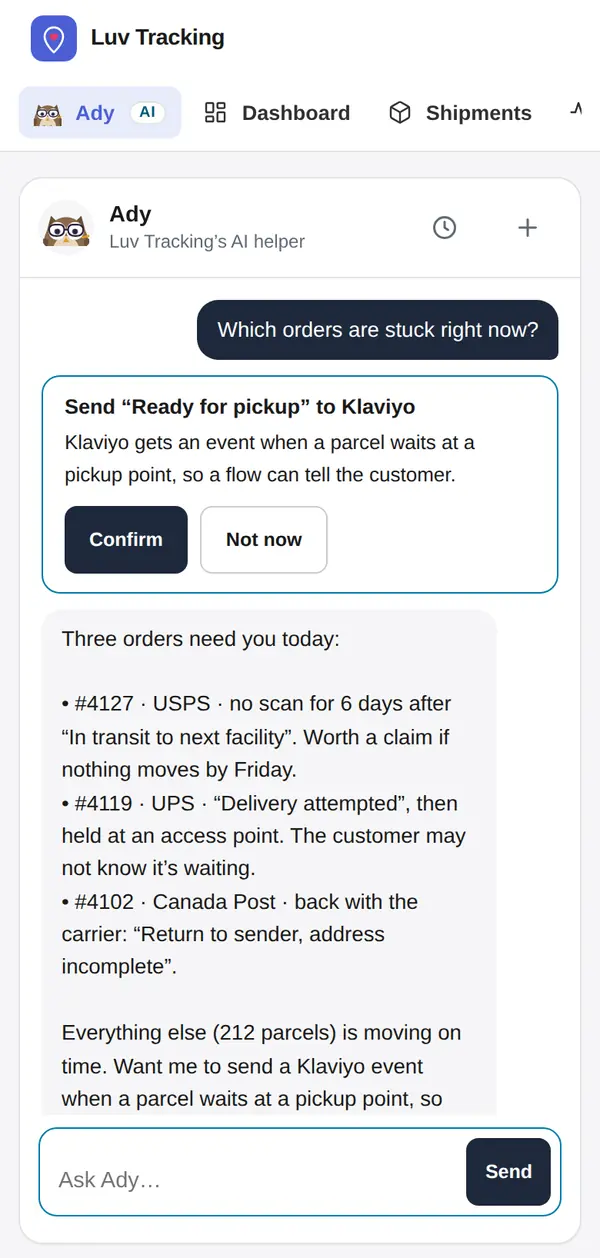
Copy any of these into Ady’s box. Swap in your own order numbers.
What Ady can’t see
Ady works from order numbers, carriers, scans and dates. It never sees your customers’ names, addresses, emails or phone numbers. When you need a customer’s details, open the order in Shopify.
Credits on each plan
Ady runs on credits. Looking up one order uses a few; a sweep of every shipment uses more. The ring on Ady’s page shows what you have left.
| Plan | Ady |
|---|---|
| Free | 150 credits to try, once. They last 30 days from Ady’s first answer. |
| A paid plan’s free trial | 1,000 credits |
| Grow and Scale | 1,000 credits a month, topped back up on the 1st |
| Plus and Enterprise | No credit count |
Each app has its own Ady, with its own chats and credits. Prices for each plan are on the pricing page.
Try Ady in Luv Tracking
Every plan includes Ady, with 150 credits to try on Free.